Pick-to-Pixel: Photo → Pixel Art
Pixel Art Maker, Smart Palette


Highlights
-
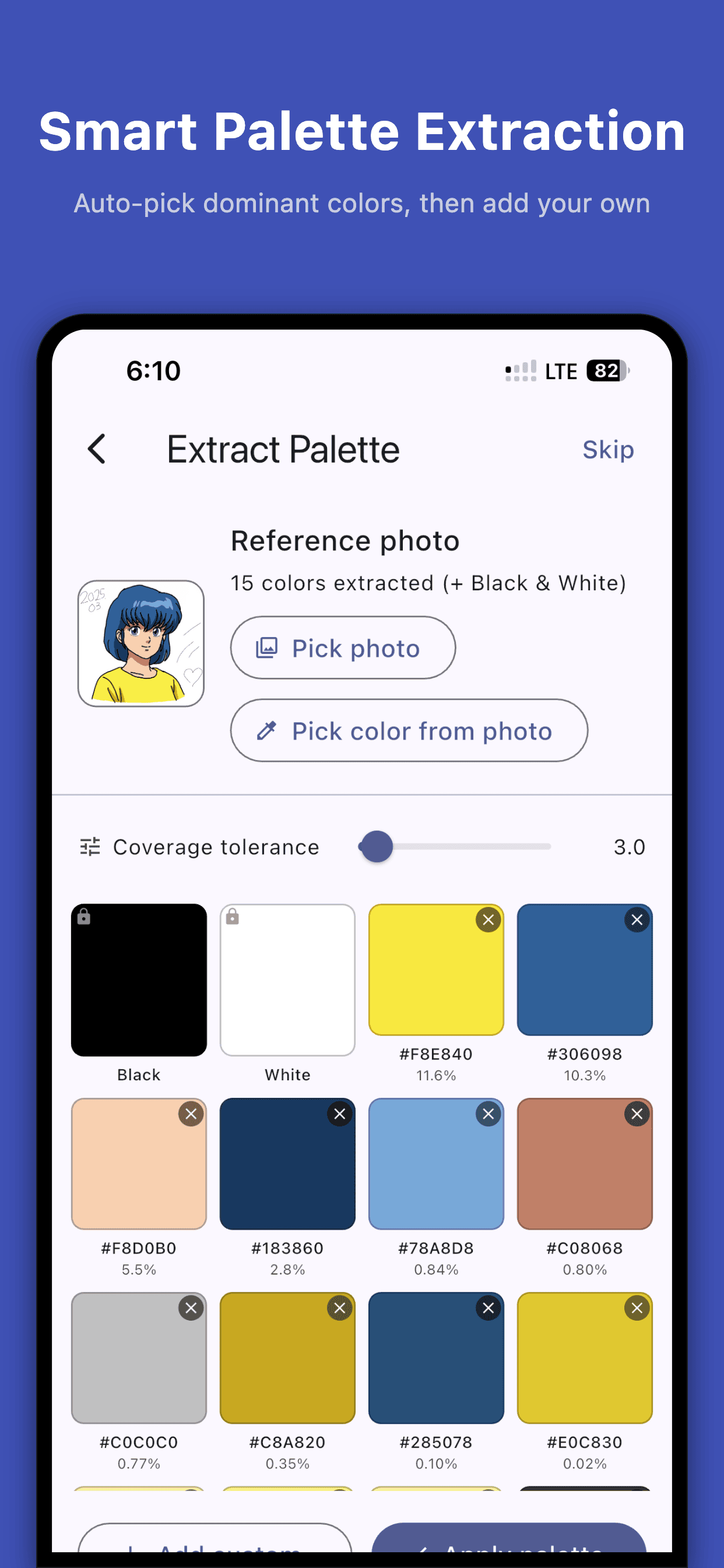
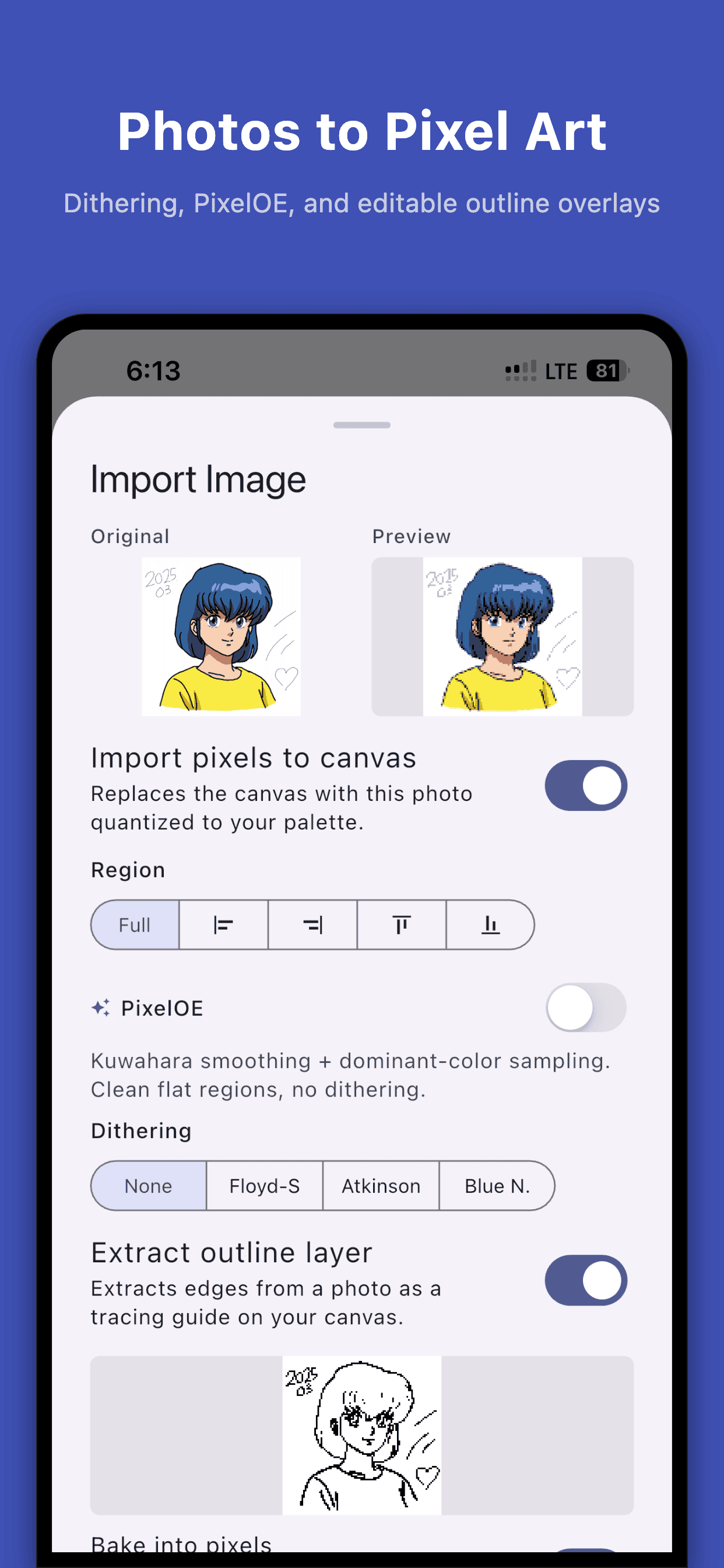
Photo → pixel art in one tap. Pick a canvas size from 8×8 to 256×256, tune the color count from 8 to 64, and let smart palette extraction quantize the photo.
-
Two looks, one click: PixelOE-inspired smoothing for clean flat regions, or Floyd-Steinberg / Atkinson / blue-noise dithering for retro grain.
-
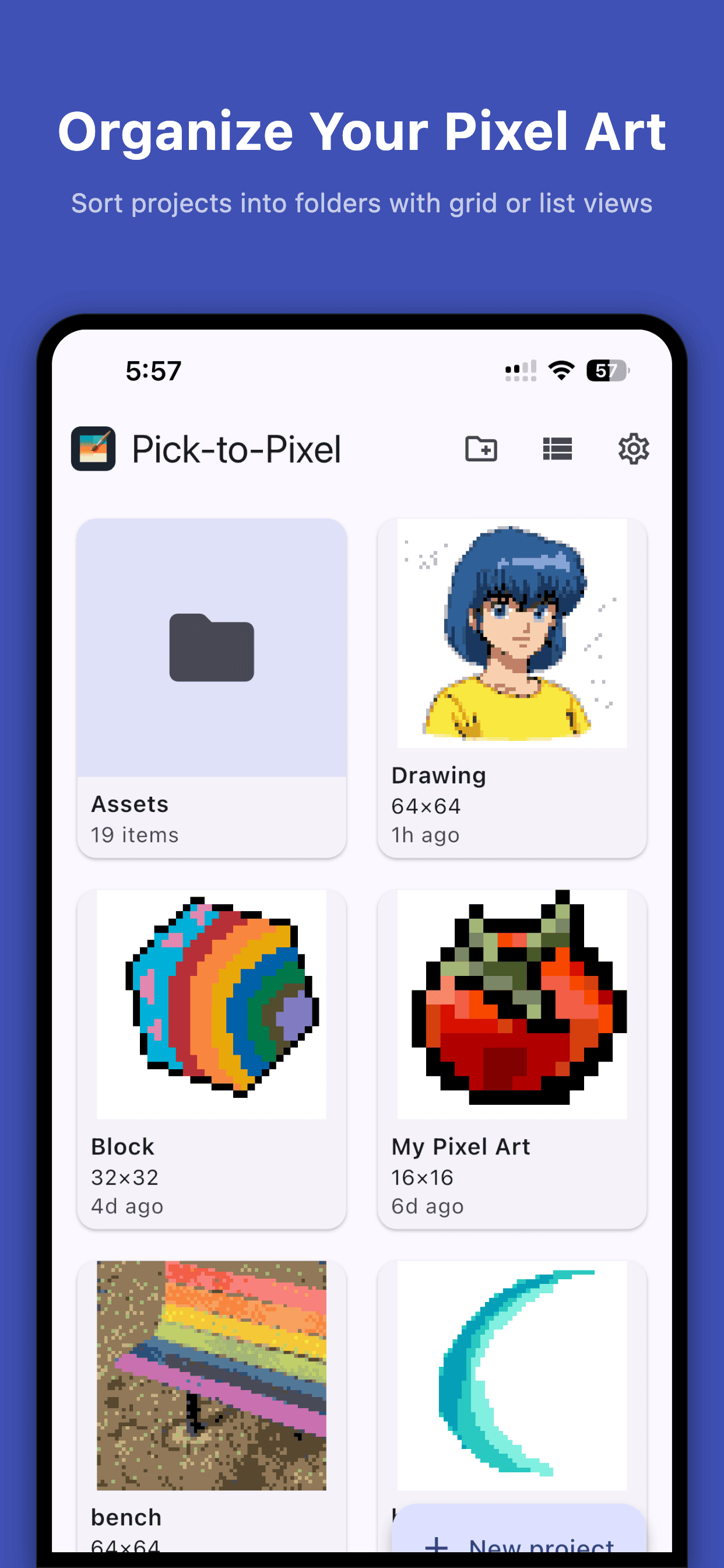
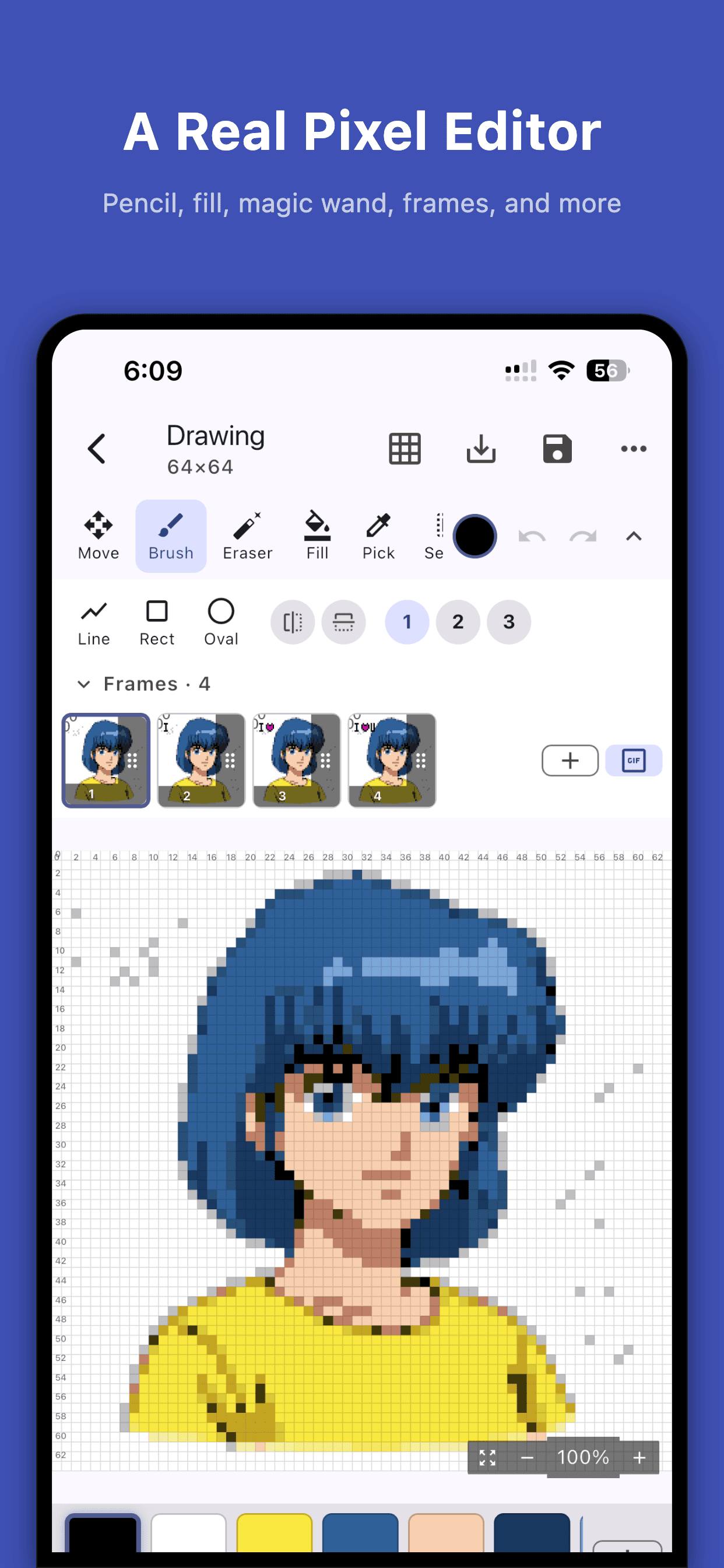
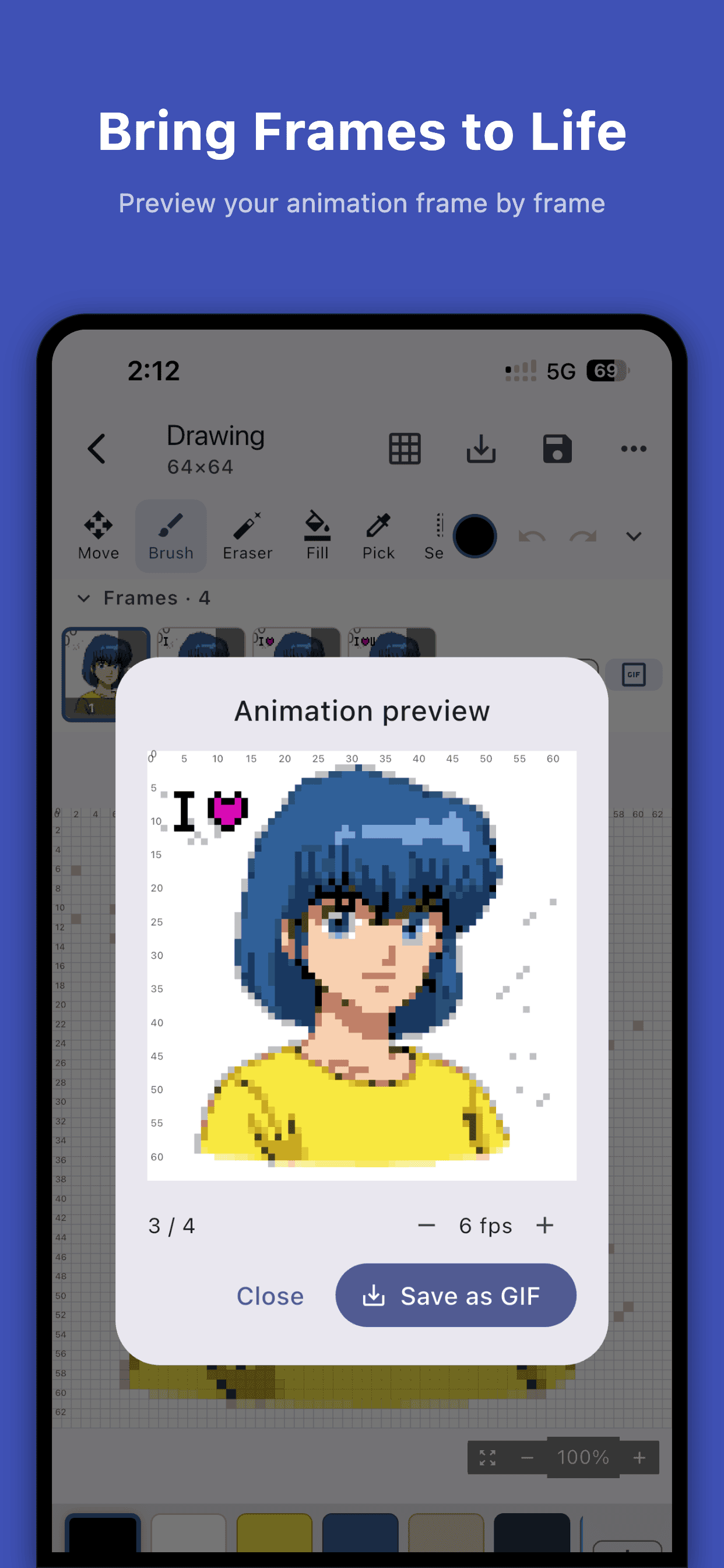
A real pixel editor — pencil, eraser, eyedropper, magic wand, bucket fill, color replace, reference photo overlay, multi-frame timeline with onion-skin.
-
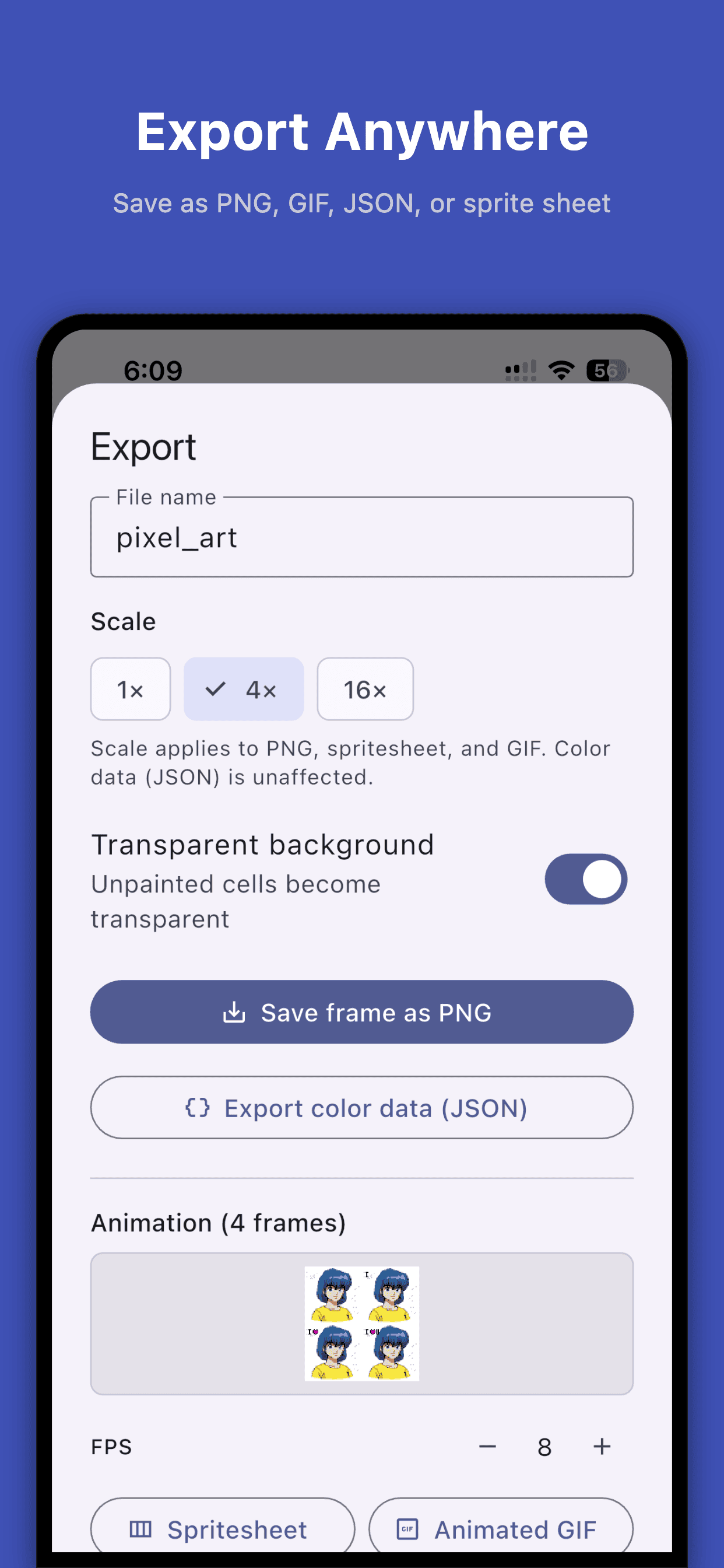
Export PNG (1×/4×/16× pixel-perfect), GIF for animation, or a JSON color grid for cross-stitch, perler beads, web games, and sprite scripts.
-
Fully offline. No account, no tracking, no analytics. Your photos never leave the device. Works in airplane mode.
What's New in 1.2
-
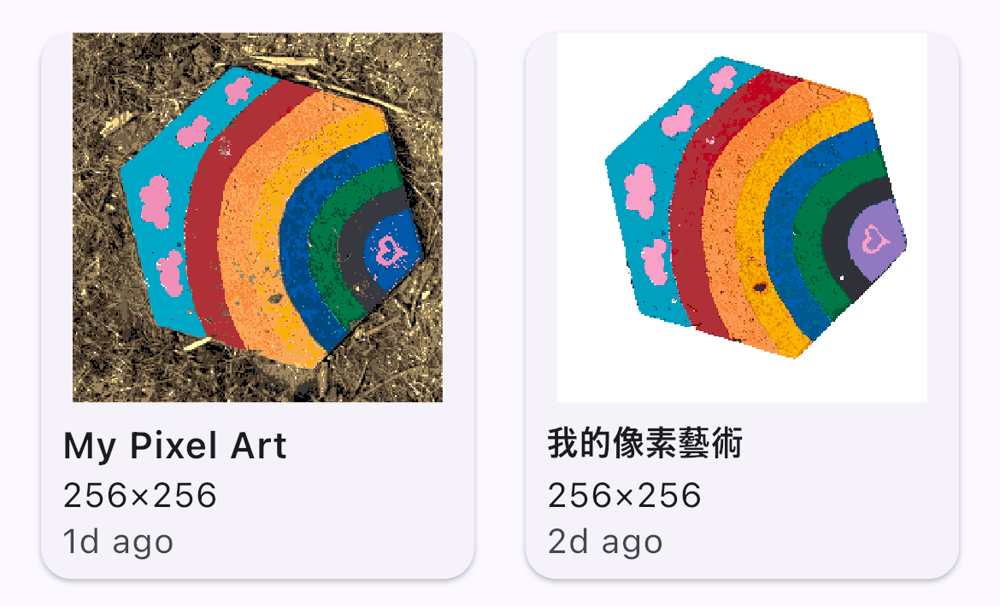
Remove background (iOS only) — tap the eraser on the palette screen to strip the background with Apple's Vision framework, for cleaner palettes from busy photos.
-
Adjustable color count — a new Max colors slider (8–64, default 24) controls how many colors are pulled from your photo.
Contact
Questions or feedback? Send us a message →